

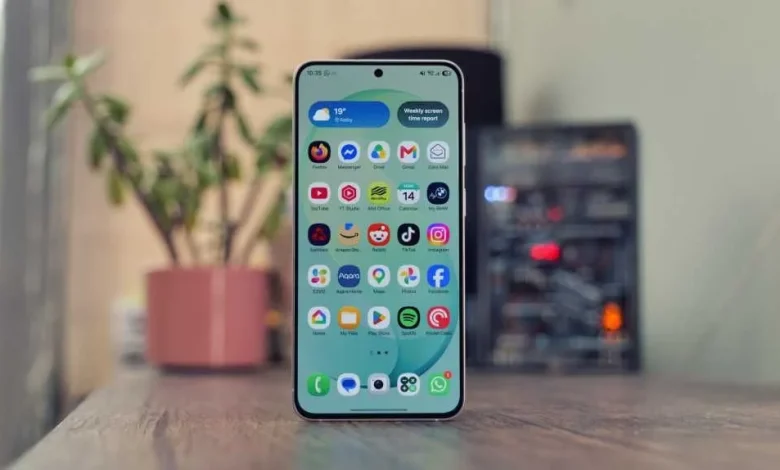
The One UI 9 update based on Android 17 brings a range of new tools and settings to Samsung smartphones. Some of them are already available on flagship models such as the Galaxy Z Fold 8 Ultra, as well as on more affordable series including the Galaxy S26 FE.
Tech Advisor journalist Luke Baker has compiled a selection of ten One UI 9 features that help you get more from your smartphone – from working with video and the camera to security and managing your time online.
One of the new features is My FanCam. It debuted with the Z Fold 8 series and is now available on other models running One UI 9, including the S26. After recording a video, the user can select a specific person in the frame, and FanCam will automatically crop the clip to keep that person in the centre. You can create different framing options – vertical for TikTok, horizontal for YouTube or square for Instagram.
The Quick Panel has also been significantly reworked. In One UI 9, users can completely change its appearance: move and resize the brightness and volume sliders, change their orientation, adjust the size of the media control block, and add or remove function buttons that are used less often.
For those who want to be less distracted by social networks or games, there is the AI Network Guard tool. It works like an enhanced parental control system: you can block selected apps from accessing the internet until a special PIN code is entered. This allows you to set limits for individual apps and define when they can be used.
Another Android 17 innovation available in One UI 9 is Motion Assist. The feature is designed to reduce motion sickness symptoms when using your phone on public transport. Moving dots appear at the edges of the screen, synchronised with the smartphone’s motion sensors. The user can adjust the shape, transparency and colour of these visual cues, and add a separate button to the Quick Panel for manual activation.
The Call Brief feature uses a context-aware artificial intelligence model to offer helpful prompts during calls. For example, the system can automatically suggest creating a shared calendar event or display the local time of the person you are calling on international calls, helping you avoid ringing at an inconvenient hour.
To enhance security, One UI 9 includes Quick Lockdown Mode. With a button combination, the smartphone switches to a mode in which fingerprint and face recognition unlocking are temporarily disabled. Access to the device is only possible via PIN, password or pattern, after which the lockdown mode is automatically cancelled.
The update also adds a new gesture for the Bixby voice assistant – Raise to Speak. Once this option is enabled, you simply lift the phone to your mouth and start talking, without saying a wake phrase or pressing a button. Bixby is primarily geared towards controlling the device itself: changing settings, finding functions and executing complex command sequences.
The Audio Eraser feature, which was initially intended for processing your own videos, now also works with content in services such as YouTube, TikTok and Netflix. It allows you to reduce or completely remove background music and boost voices, which can be useful, for instance, when watching educational videos with an overly loud soundtrack.
For users who enjoy deep customisation, Samsung offers the Good Lock app. It brings together around 25 modules that extend the system’s capabilities. These include Home Up for changing the home screen grid, the look of folders and the apps menu; Sound Assistant for separate volume control in different apps and additional audio settings; and QuickStar for decluttering the status bar and displaying, for example, network speed.
Mobile photography also gets special attention. For this, there are the Camera Assistant module and a separate Expert RAW app. Camera Assistant, which runs via Good Lock, lets you disable automatic switching between lenses, adjust the level of sharpness, add support for anamorphic lenses and tweak other professional parameters. Expert RAW is a standalone Samsung app focused on shooting with extended control: it offers an astrophotography mode with star tracking, a digital ND filter simulation and a virtual reflector for additional “lighting” of subjects.
This article is based on Luke Baker’s review for Tech Advisor, in which the author describes One UI 9’s capabilities in detail and gives examples of how they work in practice on modern Samsung smartphones.