

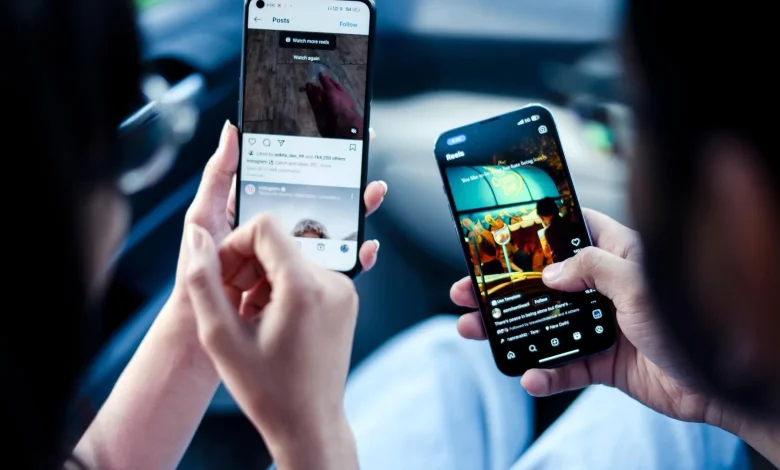
Modern smartphones make it possible to perform several tasks at once, and split-screen mode helps you work with two apps in parallel. This is convenient for studying, work or everyday tasks when you need to view information and write something down or compare things at the same time.
One useful feature on some smartphone models is the app pair for split-screen mode. The user can pre-combine frequently used apps into a pair and launch them in split-screen mode with a single tap, without wasting time searching for each one separately.
In split-screen mode, it is worth adjusting the size of the windows. To do this, simply drag the dividing line between the apps and give more space to the one it is more convenient to work with at that moment. For example, you can enlarge the notes window and reduce the browser window, or vice versa.
On some smartphones, floating windows are also available. In this mode, the app is minimised into a small window that is placed on top of other apps. This allows you to quickly view important information without interrupting your main work on the screen.
Many devices have quick shortcuts for enabling split-screen mode — via the recent apps menu or the notification panel. Once you get to grips with these combinations, you can activate the mode much faster, without searching for the relevant item in the settings.
To ensure two apps run smoothly at the same time, it is worth checking your smartphone’s performance settings. Disabling unnecessary background processes or adjusting power-saving modes can help, so that the system does not limit performance during multitasking.