

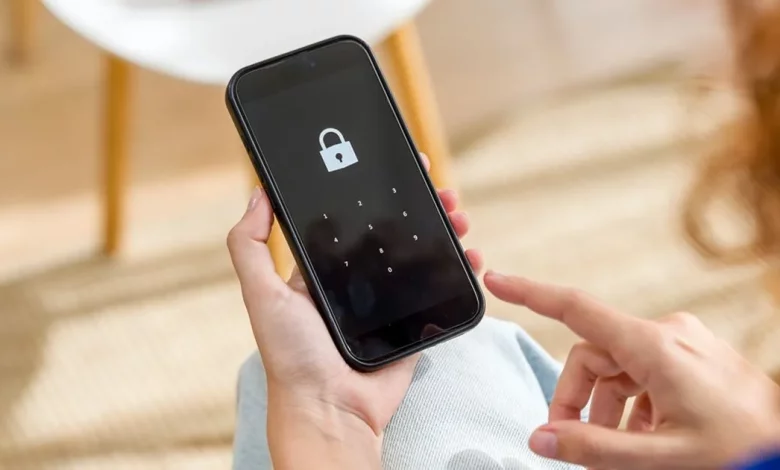
Modern smartphones offer dozens of privacy and data protection options, but far from all users understand which of them are really worth using. On the TODAY show, NBC business and data correspondent Brian Cheung talked through the basic settings that can help better protect the personal information on your phone.
The expert advises first reviewing your installed apps and deleting those you have not used for a long time. Such apps may have outdated permissions, collect excessive data or create additional security risks.
Another key step is to enable multi-factor authentication for important accounts, including email, banking services and social networks. This makes it much harder for criminals to access your accounts, even if they manage to obtain your password.
The expert also recommends limiting or disabling data tracking wherever possible. This concerns permissions for access to location data, contacts, photos and activity history requested by various apps. Users are advised to carefully review their privacy settings and keep only those permissions that are genuinely necessary for a particular app to function.
According to Brian Cheung, regularly checking security and privacy settings, clearing your phone of unnecessary apps and using additional layers of protection can significantly reduce the risk of personal data leakage.