

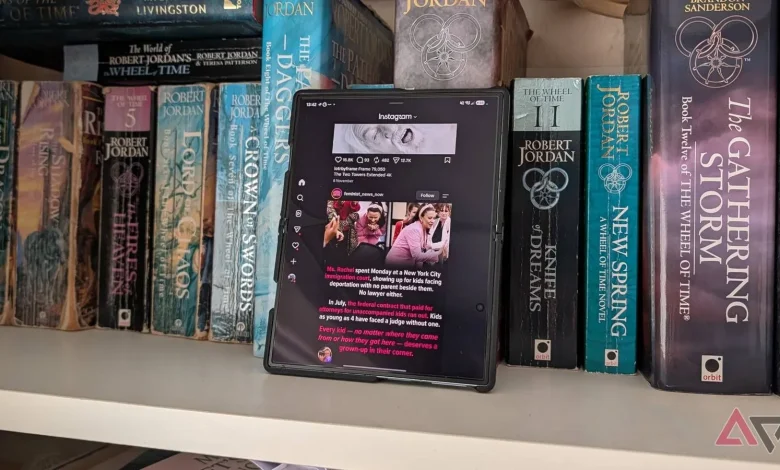
Foldable smartphones, particularly the Samsung Galaxy Z Fold 8, are often initially used just like ordinary phones. Users quickly get used to the outer display and, over time, open the device less and less, limiting themselves to watching YouTube or scrolling through social media. Yet the large inner screen can significantly expand the smartphone’s capabilities if you change your usage habits.
The author of a piece for Android Police shares his own experience: after the initial “novelty” phase, he too almost stopped unfolding the Galaxy Z Fold 8, but eventually developed a few habits that helped turn it into a fully fledged work and entertainment tool.
One approach is to treat the Fold as a tablet for relaxing at home. On the sofa or in the kitchen, it’s convenient to unfold the smartphone and use the large screen instead of looking for a separate tablet. All the necessary apps are already installed on the phone, so you just need to open the device and carry on working or watching content.
Another major strength of the inner display is multitasking. On the Fold 8’s large screen it’s comfortable to have several apps open at once, for example a browser and a calculator, or notes and a banking app for managing your budget. A common tip is to save your favourite app pairs as shortcuts on the taskbar, home screen or in the Edge Panel so you can launch them in split-screen mode with a single tap.
The Galaxy Z Fold 8 is also well suited to entertainment: reading books in Kindle or Kobo, viewing comics and manga, and gaming. Paired with a Bluetooth controller, the smartphone can serve as a portable games console. If you connect a Bluetooth keyboard, the device can partly replace a laptop for typing. Depending on the model and stylus support, a foldable smartphone can also be used as a simple graphics tablet for sketching or taking notes.
The author stresses that this list of possibilities is not exhaustive, but the main idea is about changing habits: to make full use of a foldable smartphone’s potential, you need to consciously unfold it more often and plan tasks with the large screen in mind, rather than limiting yourself to typical phone scenarios.