

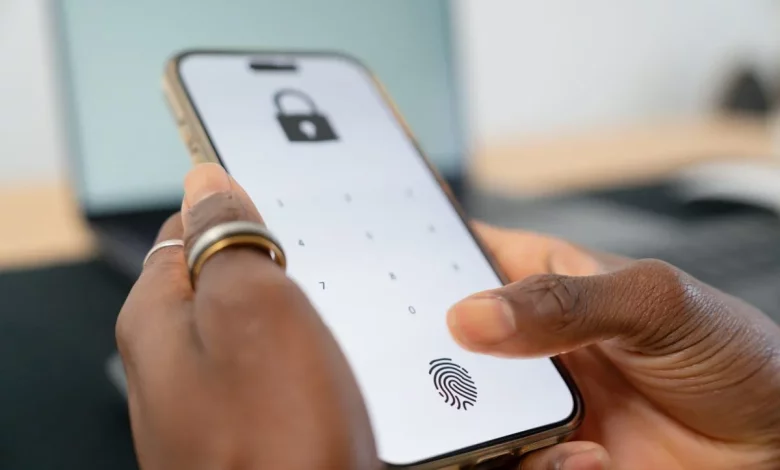
A smartphone can become an important tool in an emergency, even if it is locked. Modern phones allow you to store medical data and emergency contacts so that rescuers or medical staff can quickly find out about allergies, chronic conditions and notify your loved ones.
On an iPhone, this data is entered via the Medical ID section in the Health app. The user can specify their blood type, medication, allergies, diagnoses and add several emergency contacts from the address book. It is important to enable the “Show When Locked” and “Share During Emergency Call” options so that the information is available from the lock screen, and also to add a current photo so that rescuers can be sure they are looking at your profile.
To view this data on a locked iPhone, on the passcode entry screen tap “Emergency” and then “Medical ID”. From there you can immediately call the numbers listed as emergency contacts.
The SOS function on iPhone works separately. On iPhone 8 and later models, simply hold down the side button and one of the volume buttons until the “SOS Emergency Call” slider appears or the countdown ends — the phone will then automatically dial the emergency services number. After the call ends, the device sends an SMS with your current location to all the contacts listed as emergency contacts in Health. On older models (iPhone 7 and earlier), SOS is activated by quickly pressing the side or top button several times.
On Android smartphones, the option to add medical information and contacts is usually found in the settings. In the menu, look for an item called something like “Emergency information” or similar. There you can fill in fields with your name, blood type, list of medication, allergies and other important details, as well as choose emergency contacts from the address book. On many devices you can also add your own message to the lock screen — this is another way to leave brief instructions or contact details.
To find emergency information on a locked Android phone, you usually need to swipe up, select “Emergency”, and then “Emergency information”. If the owner has filled in these fields, from this menu you can call the specified numbers without unlocking the phone, as well as dial the local emergency services number.
If your smartphone does not have a dedicated medical data feature, you can use a simple workaround: type all the important information into a note, take a screenshot and set it as your lock screen wallpaper. The main thing is to check that the text is easy to read and not obscured by the clock or other interface elements.
A few minutes spent setting up these options can significantly help medical staff and rescuers act more quickly and effectively in a critical situation.