

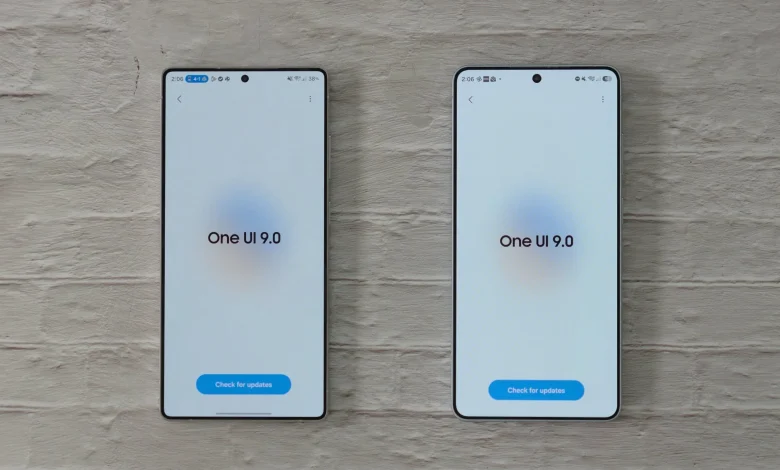
The One UI 9 update based on Android 17 is gradually rolling out to various Samsung Galaxy smartphone models, including the Galaxy S25 Ultra and Galaxy S26 Ultra. As the specialist outlet SamMobile notes, the new version of the interface offers expanded options for personalising the UI.
Users can not only change wallpapers, but also customise the clock on the lock screen, reorganise items in the quick settings panel, adjust the size and position of toggles, and tweak the look of the home screen to keep more essential apps close at hand.
Some options are available directly in the smartphone settings, while others are implemented via Samsung’s Good Lock app and its modules. With Good Lock, you can add background elements to specific parts of the quick settings panel, change the appearance of the apps dock, and simplify working with folders for easier one-handed use.
There are also multi-finger gestures, as well as the ability to create DIY-style home screen layouts with free placement and partial overlapping of elements. Separate settings allow you to make the camera interface more minimalistic by hiding some of the indicators above the viewfinder window.
SamMobile emphasises that not all of these features are brand new to One UI 9, and they may not be available on every device. However, users are advised to explore the personalisation options if they have not done so before. A detailed overview of the changes and step-by-step instructions are shown in a video on SamMobile’s YouTube channel.