

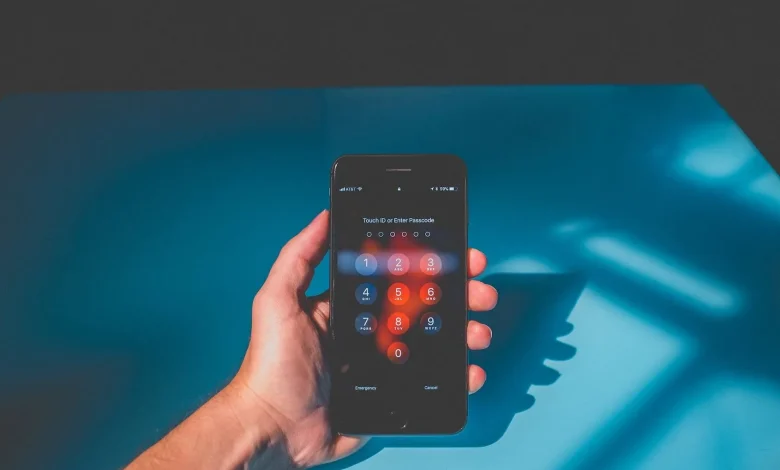
Smartphones store our photos, documents, financial data and private messages, which makes them an attractive target for hackers. As the number of mobile device users grows, so does the number of attacks using malicious software, phishing messages and fraudulent apps.
To reduce the risk of being hacked, specialists advise first and foremost keeping an eye on updates. Installing operating system and app updates regularly closes vulnerabilities that attackers can exploit to gain access to data. It is worth enabling automatic updates in the settings.
It is just as important to download apps only from official stores such as Google Play or the App Store. Apps from unofficial sources undergo weaker or even no checks at all for malicious code and may gain access to passwords, bank cards or personal information.
Experts recommend installing reliable anti-malware software on your smartphone. For Android, this can include built-in tools such as Google Play Protect as well as separate security apps. On iOS, the system is designed with an increased focus on protection, but users should still treat links and app permissions with care.
Another piece of advice is not to “root” or “jailbreak” the device. Removing factory restrictions opens up access to unofficial software, but at the same time disables some built-in security mechanisms and can block the receipt of official updates.
You should be cautious when using public USB charging points and open Wi‑Fi networks. Through a compromised port or network, attackers can install malware or intercept traffic. It is safer to use your own power bank, mobile internet or a VPN, and for protection while charging to use special USB data blockers.
A separate risk area is suspicious emails and messages containing links. Phishing links can lead to fake sites designed to steal passwords or to download malicious files. Before opening anything, you should check the sender's address, read the text carefully and avoid following links from dubious sources.
If there is a suspicion that the phone has been hacked, it is recommended to immediately switch off the internet, scan the device for malicious software, change passwords for key services from another trusted device, inform the bank in case of suspicious transactions, and, if necessary, back up important data and reset the smartphone to factory settings.
Additionally, experts advise enabling two-factor authentication, using unique complex passwords (if necessary via a password manager), setting a PIN code for the SIM card and enabling the option to delete data remotely. Regular backups will help avoid losing important information in the event of theft or device failure.
Specialists emphasise that the foundation of digital security lies in everyday habits. Timely updates, caution with links, avoiding dubious apps and networks, and paying close attention to financial transactions significantly reduce risks and help keep personal data safe.