

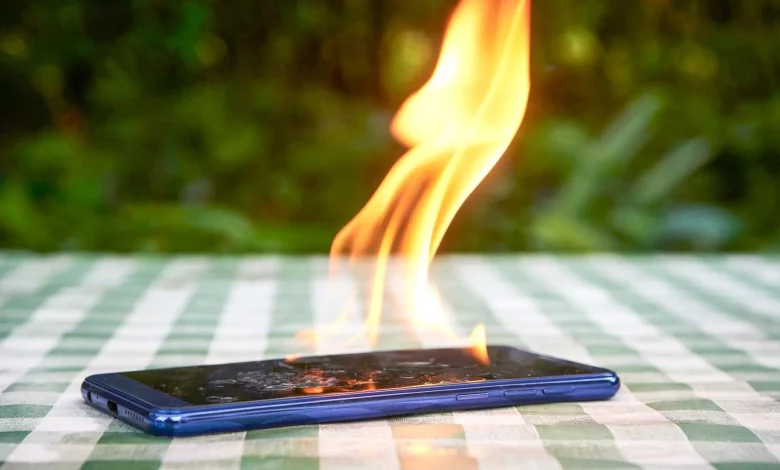
During extreme heat, it is not only people who suffer, but smartphones as well. High temperatures can lead to overheating, accelerated battery wear and even screen damage. Below are nine tips to help reduce the risk of your phone overheating in hot weather.
First of all, you should not put a hot smartphone in the fridge or freezer. A sudden change in temperature can cause thermal shock, while the cold and humidity inside a fridge are harmful to the battery and may cause condensation inside the device.
The simplest way to protect your gadget is to keep it in a cool room. This could be a room with air conditioning, a fan, or simply one that is well shaded from the sun. It is also important not to leave your phone in places that heat up quickly, such as inside a car.
If you have to be outdoors, you should avoid direct sunlight. It is better to stay in the shade and keep your phone in a bag or rucksack so it does not heat up in the sun. It is best not to carry your smartphone in your pocket, as body heat prevents it from cooling down.
To help heat dissipate more easily, your phone needs to “breathe”. Do not cover it with clothes or put it under a pillow or blanket. If possible, remove the case and other accessories that fit tightly to the body and trap heat. Although a case protects against knocks, in hot weather it can contribute to overheating.
While charging, a smartphone always warms up slightly, so in hot weather it is worth avoiding fast and wireless charging, which generate more heat. It is better to use a slower charger and not to charge your phone in direct sunlight or in a very hot room.
Resource-intensive tasks also generate extra heat: gaming, video recording, film streaming, powerful AI features or video editing. During periods of extreme heat, it is advisable to limit such workloads or take breaks to allow the device to cool down.
If necessary, you can buy a dedicated smartphone cooler. These devices attach to the back panel, use fans to draw heat away and noticeably reduce the temperature of the casing. There are models with magnetic mounts (for MagSafe or Qi2), as well as versions with their own battery or powered from an external source.
Adjusting your settings can help further. Reduce the screen brightness to the lowest comfortable level and switch off auto-brightness so the phone does not increase it on its own. If you do not need mobile data, you can temporarily turn off data transfer or switch on Flight Mode. It is also worth disabling Bluetooth, GPS and other modules you do not currently need — this will reduce power consumption and therefore the amount of heat the device generates.
Following these simple recommendations will help keep your smartphone in working order even during prolonged heatwaves and extend your battery’s lifespan.