

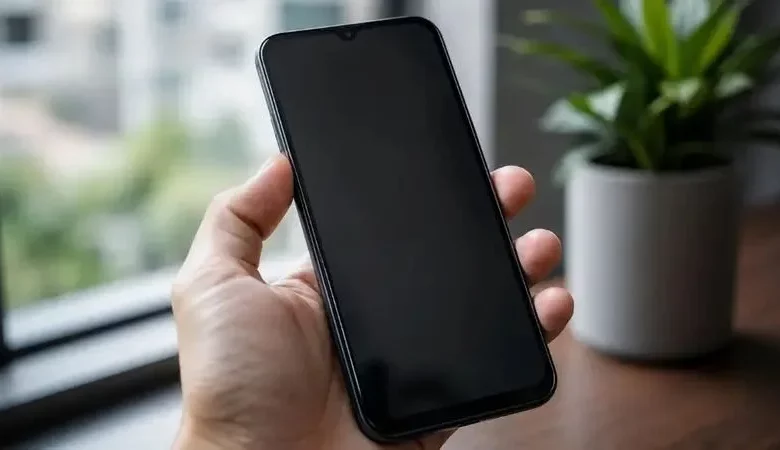
Many users encounter a situation where the smartphone screen suddenly becomes dim, even though the brightness slider is set to maximum and no settings have been changed. In most cases this is not due to a fault, but to the operation of software features or light and temperature sensors.
In most instances, several factors affect changes in brightness. First, there is adaptive brightness: the light sensor constantly assesses the surrounding conditions, and if it reads them incorrectly, it may unnecessarily dim the screen. Second, there is so‑called “thermal throttling”: when the smartphone processor overheats, the system reduces the workload and limits the backlight to protect the device. Another reason is hidden accessibility settings such as “Extra Dim” on Android or “Reduce White Point” on iOS, which act as an additional filter and make the image darker regardless of the main brightness level.
To improve screen visibility, it is recommended first to check and, if necessary, disable adaptive brightness in the display settings. Next, it is worth checking the power saving mode: when the battery charge drops to around 20% and below, many smartphones automatically reduce brightness to extend battery life. It is also important to assess the physical condition of the device: a dirty top edge of the screen, greasy marks, dust or a poorly applied screen protector or film may partially cover the light sensor. In such a case, careful cleaning with a microfibre cloth or replacing the protective coating will help.
Experts also highlight when it is time to be concerned. If the settings have already been checked, the phone is not overheating, but the screen is still too dark, and flickering, lines or permanently dark areas appear, this may indicate a hardware fault — problems with the display panel or backlighting. In this situation, it is advisable to contact a service centre rather than trying to fix the fault yourself.
Specialists also clarify some common user questions. For example, when using a smartphone outdoors in sunny weather, the body heats up quickly and the device may forcibly reduce brightness to avoid overheating of components — this is a protective mechanism, not a malfunction. Software updates can also sometimes affect the operation of light sensors: if brightness issues started immediately after an update, it is worth checking for additional patches or restarting the phone. A screen protector can impair brightness if it is too thick or blocks the sensor. Features such as “Extra Dim” are convenient for reading in the dark, but if you leave them enabled during the day, the screen will look excessively dim, so it is sometimes necessary to check accessibility shortcuts.