

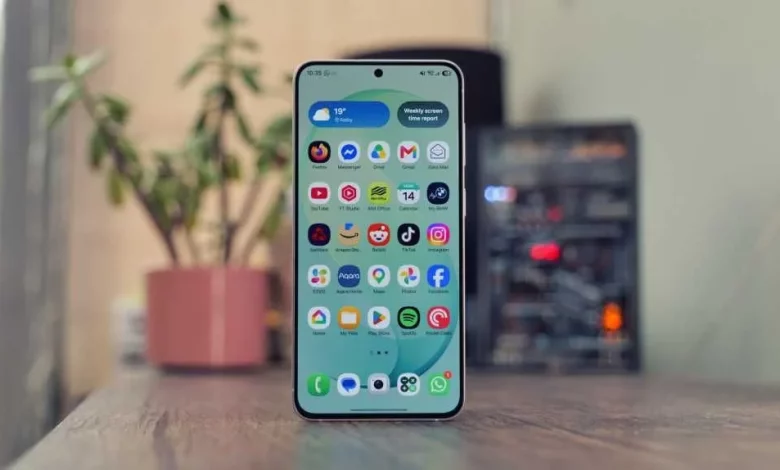
The One UI 9 update for Samsung Galaxy smartphones unlocks a range of new tools that improve video recording, security, comfort while travelling and personalisation options. Some of the features debuted with the Galaxy Z Fold 8 series, but are now available on other models too, including the Galaxy S26 line-up.
Tech Advisor has picked out ten of the most interesting One UI 9 features, including FanCam, Audio Eraser, AI Network Guard, Motion Assist, Call Brief, Quick Lockdown Mode, the Raise to Speak gesture for Bixby, as well as advanced settings via Good Lock, Camera Assistant and Expert RAW.
The My FanCam feature lets you turn an ordinary video into a dynamic clip: the user selects a person in the frame, and the system automatically “tracks” them within the image, as if the camera were mounted on a stabiliser. After shooting, you open the clip in the Gallery app, tap the Galaxy AI icon, select My FanCam, mark the person you want and set the frame format (for example, vertical 9:16 for TikTok or horizontal 16:9 for YouTube), then save a copy.
The Quick Panel in One UI 9 has gained more extensive customisation options. You can change the position and size of tiles, switch the orientation of the brightness and volume sliders, enlarge or completely hide the media control panel, and add or hide individual quick settings buttons.
The AI Network Guard tool, originally conceived as a parental control feature, allows you to restrict individual apps’ access to the internet without entering a special PIN code. This can help those who want to cut down on distractions from social networks or games: selected apps will not be able to connect to the network until a code is entered in the Connectivity Labs menu.
The Motion Assist feature, built into Android 17 and available in One UI 9, is designed to reduce motion sickness symptoms when using your smartphone on public transport. Moving markers appear at the edges of the screen, synchronised with the device’s gyroscope. In the Google settings you can enable automatic activation on transport, add a separate tile to the Quick Panel and change the shape, transparency and colour of the visual cues.
Another useful feature is Call Brief. Once enabled in the privacy settings, the system analyses the context of calls and suggests relevant actions. For instance, if you are discussing a meeting during a conversation, it may suggest creating a shared calendar event that takes your contact’s time zone into account. Call Brief also shows the recipient’s local time before you place an international call.
For enhanced security there is Quick Lockdown Mode. Pressing the power and volume down buttons together puts the smartphone into a mode where fingerprint and face unlock are temporarily disabled. Access to the device is only possible after entering a PIN, password or pattern.
The voice assistant Bixby has gained the Raise to Speak gesture. After enabling it in the Advanced features section, you simply lift the smartphone to your mouth and start talking — no need to press any buttons or say a wake phrase. Bixby is geared towards controlling the device itself: changing settings, finding features or executing complex command sequences.
The Audio Eraser feature, which was originally intended for cleaning up audio in your own videos, now also works when watching content in YouTube, TikTok and Netflix. Via a button in the Quick Panel you can reduce or remove background music and boost voices, which is particularly useful for educational videos or podcasts.
For users who like to fine-tune their smartphone, the Good Lock app is available. It brings together around 25 modules: Home Up lets you change the home screen grid, the look of folders and the apps menu; Sound Assistant adds separate volume levels for each app and an advanced equaliser; QuickStar allows you to remove unnecessary icons from the status bar or display real-time network speed.
Mobile photography also gets special attention. The Camera Assistant module within Good Lock lets you disable automatic switching between lenses, reduce default sharpness, add support for anamorphic lenses and tweak other shooting parameters without resorting to third-party camera apps. The Expert RAW app works as a separate professional camera from Samsung: it offers an astrophotography mode with star tracking, a digital ND filter simulation and a virtual reflector for extra “lighting” on subjects.
Overall, One UI 9 significantly expands what modern Samsung Galaxy smartphones can do — from more convenient video shooting and viewing to flexible control over your time online, security and interface personalisation.